Squads
One’s company, two’s a crowd, and three’s a party.
Facing The Island is always more fun with friends. Get some friends, create a squad and become the menace of your server. Build a base, loot together, fight off enemies, get rich and famous... or die trying.
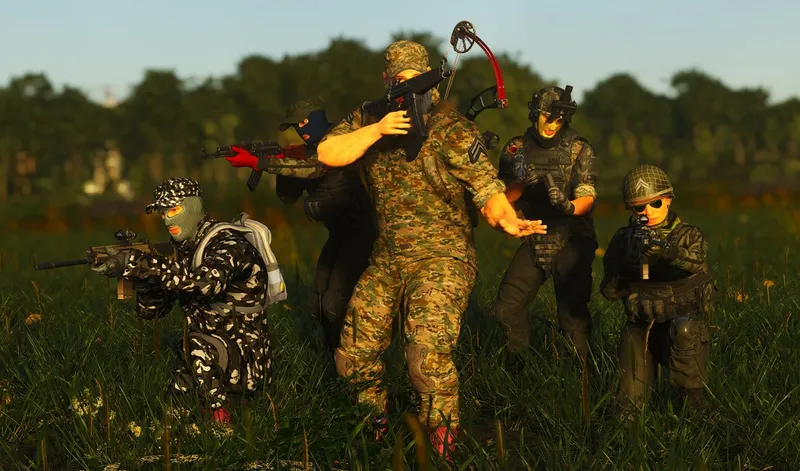
Creating A Squad
First, a squad needs to be created. Head to the Squad Tab by pressing [Shift + X] and press the “Create Squad” button. The maximum number of players in a squad depends on the squad leader's INT attribute. The default is 2 players per attribute level. In the squad tab, multiple parameters can be adjusted:
In addition, you can promote or demote your fellow squad members to different ranks if you are the squad leader. The ranks are (in order) : Member, Enforcer, Underboss, Boss. To invite someone, approach the player, hold [F] on his character, and pick the “Invite to Squad” option. On the right side, you can see all the squads on the server and how many fame points they have.
Squads And Base-Building
Players who are in a squad can build base-building items under one flag, but the squad owner will be listed as the owner of the elements.
Locked chests have special accessibility options. Those can be configured so that only people of a specific rank have access. If a chest is set to private, only the player who has placed the lock can access the chest. Locked doors also have accessibility options that determine who can open the door, but the options can only be set by the squad leader.
Leaving A Squad
Upon leaving or being kicked from a squad, a time penalty will be applied depending on the squad size. By default, penalties applies to squads of 3 or more people.
Official SCUM in-game content (the game’s own text, translated by the studio).