Holster and Quick Access
Strap up!
In times of need, it's nice to have some items that are quickly accessible. That is where holsters and quick access come in handy!
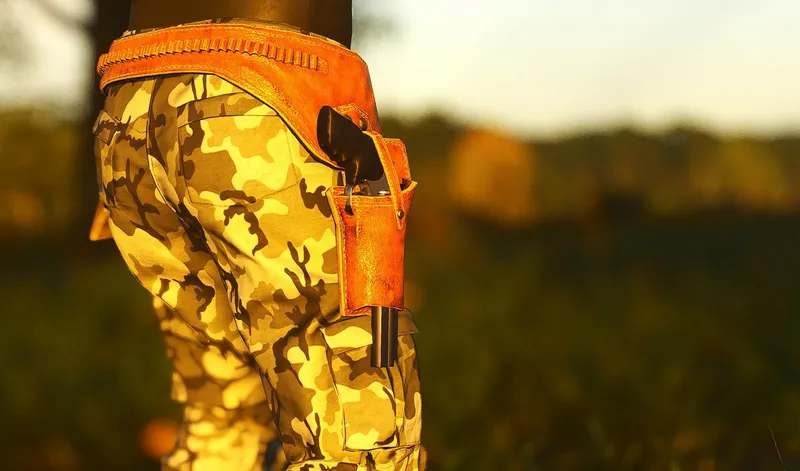
Holsters
Almost all weapons and tools (and some items) can be placed into holsters. To place an item into a holster, drag it from the vicinity or inventory into a holster slot. An item that cannot be placed in a holster will show red when trying to be dragged into a slot. Press [1] and [2] to access each holster and take that weapon, tool, or item into your hands. To put an item from the hands slot back to one of the holsters, press the appropriate number again.
Quick Access
In case your holsters are full, and you still want to access some crucial items quickly, they can be placed into a QUICK ACCESS SLOT. While in the Inventory tab, drag the item from the inventory or the vicinity into a free quick access slot. To remove an item from the quick access slot, you can either right-click the slot and press "Remove from Quick Access" or double-click the occupied slot. At the top right corner of each slot is a little hand which indicates the THROWING MODE. Toggling this will set the slot to throwing mode and when the slot is activated, it will throw the item (if the item is throwable) instead of just putting it in your hands. In the Quick-Access HUD, the first slot from the right side is showing either the toggled item or any item in the hands slot.
Official SCUM in-game content (the game’s own text, translated by the studio).