Blueprints
If you want to be an architect.
Blueprints for any specific item or element can be placed down, filled with components, and in most cases, they're immovable after completion. They range from Base Building elements like Walls to survival items like Fire Rings.
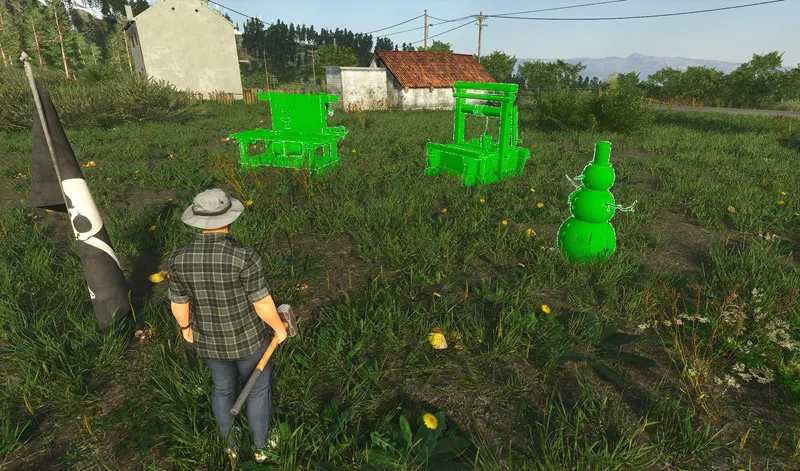
Placing A Blueprint
First, navigate to the crafting tab. It is accessed by pressing [Tab] and then navigating to the "Crafting tab" on the top of your screen or by pressing [2]. Next, in the top right corner, switch from the "Items" tab to the "Building" tab. The shortcut for the following is [Shift + B]. When an item or element is clicked, there are 2 options: 1st - DETAILS button Similar to item crafting, this shows detailed item/element description and a list of components needed for building. 2nd - PLACE button Enables the placement of any blueprint by simply pressing [F].
Blueprints are represented in 3 different colors when being placed:
To destroy an already placed blueprint, hold [F] on the blueprint and choose the “Destroy” interaction.
Completing A Blueprint
When a blueprint is placed, all of the needed components can be seen when the blueprint is hovered upon.
The blueprint can then be filled with components by having them in the vicinity or in the inventory and pressing [F]. This will fill the components one by one.
To fill all of the available components at once, press [Shift + F]
Official SCUM in-game content (the game’s own text, translated by the studio).